


Walk into any hardware store and you'll find two distinct categories of door locks: traditional deadbolts that have barely changed in decades, and smart locks packed with technology that would have seemed like science fiction twenty years ago. Both secure your home. Both have their place. But which one is actually better for you?
The honest answer is: it depends. This guide will break down every meaningful difference between smart locks and traditional deadbolts — security, convenience, cost, reliability, and more — so you can make an informed decision based on your specific situation.
What Is a Deadbolt?
A deadbolt is a locking mechanism where a solid metal bolt extends into the door frame when locked. Unlike spring-loaded latch bolts, deadbolts can only be moved by rotating the cylinder — with a key from the outside or a thumb turn from the inside. This makes them significantly more resistant to forced entry than simple doorknob locks.
Standard deadbolts come in three grades:
Grade 1 — Highest security, commercial grade. Withstands 250 lb. of force and 10 door strikes.
Grade 2 — Residential heavy duty. Withstands 150 lb. of force.
Grade 3 — Basic residential. Minimum security standard.
A Grade 1 deadbolt is one of the most physically secure locks available. It's simple, reliable, and requires no power source to operate.
What Is a Smart Lock?
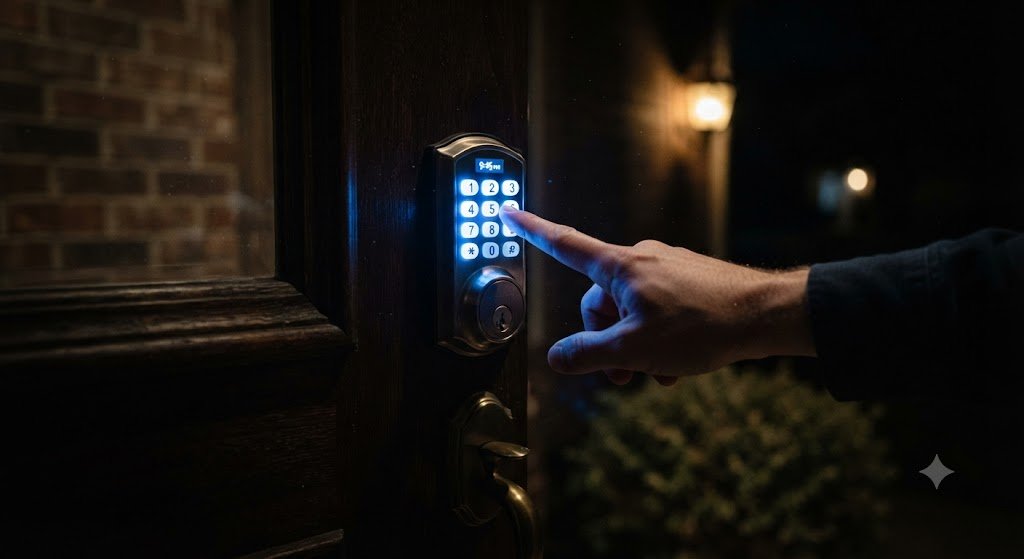
A smart lock is an electronic locking device that replaces or supplements the interior portion of a traditional deadbolt. It adds electronic control — via smartphone app, PIN keypad, fingerprint scanner, voice command, or proximity detection — while retaining the same physical bolt mechanism underneath.
Most smart locks are built to Grade 1 or Grade 2 security standards, meaning the physical security is equivalent to a traditional deadbolt. The difference lies entirely in how you control that mechanism.
Round 1: Physical Security
When it comes to raw physical security — resistance to kicking, drilling, and picking — a high-quality traditional deadbolt and a high-quality smart lock are essentially equal. Both use the same bolt mechanism, the same strike plate, and the same door frame anchoring.
The real vulnerabilities in home security are almost never the lock itself. Studies consistently show that the most common points of entry for burglars are:
Unlocked doors and windows (the most common)
Weak door frames that split under a kick
Glass panels near the lock that can be broken
Garage doors left open
A Grade 1 deadbolt and a Grade 1 smart lock are equally effective against all of these — except unlocked doors. And here, smart locks have a clear advantage: auto-lock ensures your door is never accidentally left unsecured.
Winner: Tie on forced entry resistance. Smart lock wins on accidental lockout prevention.
Round 2: Convenience
This is where smart locks pull decisively ahead.
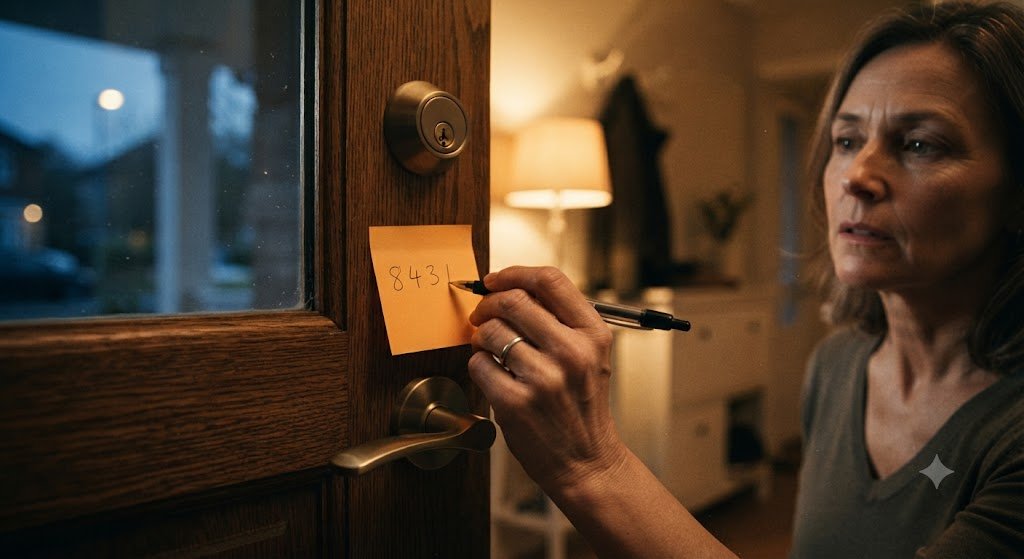
Traditional deadbolts require a physical key — always. Lost your key? Call a locksmith. Gave a key to a contractor? Hope they don't copy it. Want to let in a family member while you're at work? Either hide a key (terrible idea) or drive home.
Smart locks eliminate all of these scenarios. Multiple access methods mean you're never locked out. Temporary codes mean you never hand over physical keys. Remote access means you can lock and unlock from anywhere. Activity logs mean you always know who came in.
For families, smart locks are transformative. Parents can monitor when children arrive home from school. Teenagers can have their own codes without carrying keys they'll inevitably lose. Elderly family members who struggle with keys get biometric access instead.
Winner: Smart lock, decisively.
Round 3: Reliability
This is where traditional deadbolts have a genuine advantage. A mechanical deadbolt has no battery, no software, no wireless connection, and no app. It works in a power outage, during a Wi-Fi outage, and after ten years of zero maintenance. It will not stop working because a company shut down its servers or discontinued an app.
Smart locks introduce several potential failure points:
Dead batteries — Most smart locks last 6–12 months on a set of batteries, but dead batteries mean no electronic access. Good smart locks send low-battery alerts and include a physical key backup.
Software bugs — App updates can occasionally introduce bugs. A crashed app at the wrong moment is frustrating.
Server dependency — Locks that require cloud connectivity for basic operation are vulnerable to server outages. Look for locks that function locally without internet.
Wi-Fi outages — Remote access requires Wi-Fi. If your internet goes down, remote control goes with it.
The good news is that all quality smart locks include a physical key override. If everything else fails, your traditional key still works. DELFA Locks are designed with local operation as a priority — your PIN code and fingerprint work without any internet connection.
Winner: Traditional deadbolt on pure reliability. Smart lock acceptable with proper backup planning.
Round 4: Cost
Traditional deadbolts are significantly cheaper upfront. A Grade 1 deadbolt costs between $30 and $80 installed. A quality smart lock ranges from $150 to $300, with installation adding $50–$150 if you hire a professional.
However, consider the lifetime cost calculation:
Lost key replacement: $5–$200 per incident
Locksmith callout for lockout: $75–$250
Rekeying after lost key: $50–$150
Key copies for family members: $5–$15 each
Over five years, a family that regularly loses keys or needs locksmith visits can easily spend more on traditional lock maintenance than the upfront cost of a smart lock.
Winner: Traditional deadbolt on upfront cost. Smart lock may win on lifetime cost for many families.
Round 5: Installation
Both are straightforward to install as DIY projects. A traditional deadbolt replacement takes 15–20 minutes. A smart lock replacement takes 20–30 minutes and adds the step of downloading an app and completing digital setup.
Neither requires professional installation for a standard door, though unusual door configurations may complicate either project.
Winner: Tie, with a slight edge to traditional deadbolts for simplicity.
Round 6: Smart Home Integration
Traditional deadbolts offer zero smart home integration. They cannot be part of an automation routine, cannot send alerts, cannot be monitored remotely.
Smart locks integrate with Amazon Alexa, Google Home, Apple HomeKit, and security systems. They can participate in automations, trigger other devices, and provide real-time status information.
Winner: Smart lock, uncontested.
Round 7: Vulnerability to Hacking
This is the concern most people have about smart locks, and it deserves an honest assessment.
Smart locks are theoretically vulnerable to digital attacks that traditional deadbolts are not. However, the practical risk is extremely low for several reasons:
AES-256 encryption makes intercepted signals useless without the decryption key.
Rolling codes prevent replay attacks.
Physical proximity is required for Bluetooth attacks.
A motivated hacker would find it far easier to break a window than crack a properly encrypted smart lock.
The theoretical vulnerability exists. The practical risk, for a well-designed lock from a reputable manufacturer, is negligible compared to the real-world risks of forgotten keys and unlocked doors.
Winner: Traditional deadbolt on theoretical digital security. Practical risk difference is minimal.
Who Should Choose a Traditional Deadbolt?
You rent and aren't permitted to install smart devices
You live in an area with frequent power outages and no backup plan
You have zero interest in smartphone-connected devices
Budget is the primary concern and the lock is for a secondary space
You need maximum simplicity with zero technology dependence
Who Should Choose a Smart Lock?
You frequently forget to lock the door
You have children who need keyless access
You use short-term rental platforms like Airbnb
You want remote monitoring and control
You have a smart home ecosystem to integrate with
You regularly grant access to housekeepers, contractors, or dog walkers
You want activity logs for security and peace of mind
The Hybrid Approach
Many homeowners choose the best of both worlds: a smart lock that retains full physical key functionality. This gives you all the convenience and intelligence of a smart lock with the reliability fallback of a traditional key.
DELFA Locks are designed with this philosophy — every model includes a physical key cylinder as standard, ensuring you're never truly dependent on electronics for access to your home.
Final Verdict
For the average modern homeowner, a smart lock is the better choice. The convenience advantages are substantial, the security is equivalent to a traditional deadbolt, and the additional features — remote access, temporary codes, activity logs, smart home integration — add genuine value to daily life.
Traditional deadbolts remain the right choice for situations where simplicity, cost, or reliability concerns outweigh the benefits of connected technology.
The question isn't really which is better in the abstract — it's which is better for your home, your family, and your lifestyle. We hope this guide has given you the information to answer that question confidently.